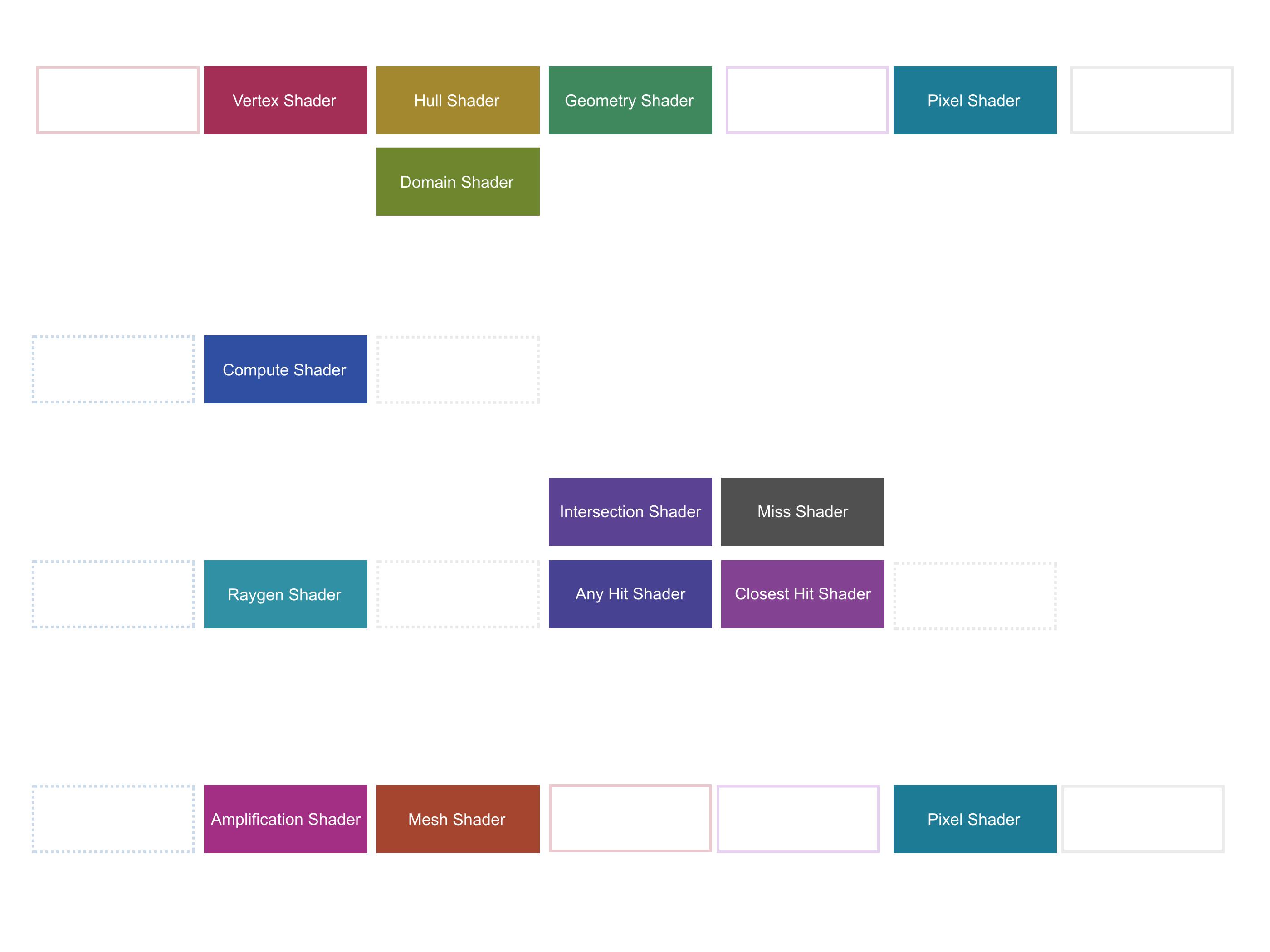
A review of the state of the art in real time graphics shading languages and compilers in both graphics and compute. What are some of the differences between HLSL, GLSL, MSL, and WGSL? What are some ways to transpile shaders?
Shaders are a set of instructions (so a program or kernel) that execute on programmable steps of a given GPU pipeline, be it a raster pipeline, compute, ray tracing, etc.
They could be used to transform vertices, shade pixels in raster based rendering, handle intersections of primitives in ray tracing, machine learning, perform general computations, and much more. Shaders execute on a Single-Instruction-Multiple-Data (SIMD) architecture, where groups of processing cores execute the same instruction across large swaths of data.
Depending on the vendor this can mean different things. For instance, on AMD hardware a kernel executes across groups of 32 or 64 work-items (or dispatch threads) called wavefronts (or thread groups). These work-items execute on a small processor that handles scalar logic, vector logic, and scalar/vector memory stored in the local cache of the group or in GPU memory. [AMD 2020]
There are a number of shader languages used in real-time rendering:
Abbreviation
Language
Official Graphics APIs
Transpiling
HLSL
High Level Shading Language
DirectX
Both dxc and glslang support HLSL → SPIR-V
GLSL
OpenGL Shading Language
Vulkan / OpenGL
GLSL → SPIR-V → HLSL
MSL
Metal Shading Language
Metal
SPIR-V → MSL via SPIR-V Cross
WGSL
WebGPU Shading Language
WebGPU
naga or tint → SPIR-V
With the addition of other platform specific languages such as PlayStation Shading Language (PSL), experimental languages such as Rust to SPIR-V, and the older C for Graphics (Cg) used in older Unity 3D code [Doppioslash 2018]. Depending on which platform/API you're targeting, you'll be stuck with one of these languages.
APIShader⇒APIIR⇒VendorIR
The shader language world is fragmented by design given there's so many vendors and APIs, but every shading language is similar enough to C that one can easily switch between them. Depending on the language, there could be an API specific intermediary representation (IR) of the shader code, and each vendor (AMD, NVIDIA, Intel, Qualcomm, etc.) converts that IR to their machine code at the driver level.
IR Abbreviation
Description
Official Graphics APIs
DXIL
DirectX Intermediate Language
DirectX 12
DXBC
DirectX Bytecode
DirectX 11 / 12
SPIR-V
Standard Portable Intermediate Representation
Vulkan / OpenGL
RDNA ISA
AMD 5-7000 Series Instruction Set Architecture
N/A
PTX
NVIDIA Parallel Thread Execution VM and ISA
N/A
SASS
NVIDIA Bytecode
N/A
Let's review some of the similarities and differences between shader languages, their features, how they execute, and how to approach writing shaders for your applications.
We'll review a vertex shader in HLSL, GLSL, MSL, and WGSL where we:
Access data received from the Input Assembly step of the graphics pipeline.
Pass data to the next step of the graphics pipeline.
Receive data through uniforms or constant buffer views.
In addition, we'll review a compute shader in each of those languages where we:
Read and write to buffers.
Perform atomic operations.
Share data across thread groups.
From there we'll go over how to approach compiling those shaders and include them in your applications.
Language Features
Nearly all shading languages are very similar to C, and have all the usual features associated with C.
In addition, shading languages feature a standard library of intrinsic functions available in the global namespace for performing common math operations. These standard functions include:
Vector Math (matrix multiplication, vector addition, dot products). Some languages overload operator*, others use a function mul.
Transcendentals (Sin, Cos, Log, etc.) Some languages distinguish tan(v) and tan2(a, b).
Neighbor Operations (derivatives) with minor differences in function names.
Logic (checking all members of a boolean vector with all(), etc.)
GPGPU memory synchronization such as atomicAdd.
Most of these functions are even named the same, but some are slightly different (HLSL's frac vs GLSL's fract) or so simple that they're not included in other languages like HLSL's saturate() vs clamp(val, 0.0, 1.0).
High-Level Shading Language (HLSL) is arguably the best language for writing shaders, as it's very well supported, separates samplers and textures (unlike GLSL), and has common language features like:
HLSL is unique in that it describes attribute inputs with semantics (for example, float3 position : POSITION), though you can and should opt to avoid these and instead use the more generic ATTRIB. You can also use this syntax to describe other things about your variable similar to a bitfield, such as alignment or what buffer/texture/sampler registers correspond to a given variable.
HLSL shaders are very intuitive, they have an input, and output. They can have global constants or constants contained in a constant buffer.
You can easily define compute shader intrinsic values as arguments of the main function and expect those to be passed in, and name them whatever you might like. Otherwise this is practically the same as a vertex shader and as we'll see, the same across languages.
GLSL
OpenGL Shading Language (GLSL) is the standard shader programming language for Khronos APIs such as Vulkan, OpenGL 4.x through optional extensions for different versions of GLSL, and WebGL. There's a few fundamental differences between GLSL and other languages:
Vector types use the prefix vec (for example, vec4 instead of float4 and mat4 instead of float4x4)
Samplers and texture bindings are tied together. This is a big difference and area of contention, as this isn't necessary and other languages separate these two data structures.
Feature wise however GLSL is similar to HLSL, with support for #include through optional extensions and similar intrinsic functions.
The GLSL code begins with layout declarations that define exactly how each struct and object is laid out in memory. Each location corresponds to an address pointing to a maximum of 4 single precision floats. The keyword in denotes that this data is coming from the Input Assembly step of the graphics pipeline, and the keyword out denotes that this is data being passed to the next step of the graphics pipeline (in could be described as passing a reference).
The uniforms in this shader are struct based, and are bound to sets and binding indexes. Uniforms can be Uniform Buffer Objects (UBOs) where the last parameter can be an n-dimensional matrix if needed, or the could be Samplers. Note you don't need to denote the namespace of the parameters of the UBOs, each name is unique and accessible in the global namespace (model.transform == transform).
It's worth noting that there's a wide range of supported versions of GLSL and OpenGL, with GLSL ES 1.0 being the version used for WebGL, and GLSL ES 3.0 used for WebGL 2.
In the main function we perform our shader logic and write our output position and varying variables. Note that the use of the keyword main can be set to anything you would like.
Compute shaders are generally the same as HLSL, though each built-in value passed in HLSL is just a global in GLSL. Writing data to an image is done through a function instead of the array syntax. There's also no need to annotate the main function to specify what kind of shader it is, since that's written out at compile time to SPIR-V.
In Metal Shading Language (MSL) there is no uniform keyword, everything that is a buffer could be a uniform. Similar to HLSL, attributes are passed as arguments in the main function, with directives to denote where that data is coming from. Unlike HLSL or GLSL, data to be passed to later stages of the pipeline is returned by the main function.
Metal vector types are named the same as HLSL, and the intrinsic functions are nearly all the same as well.
// 🤖 Metal Vertex Shader#include<metal_stdlib>#include<simd/simd.h>usingnamespace metal;
structConstants
{
float4x4 modelViewProjection;
float4x4 inverseTransposeModel;
float4x4 view;
};
structVertexOutput
{
float3 normal [[user(locn0)]];
float2 texCoord [[user(locn1)]];
float4 position [[position]];
};
structVertexInput
{
float3 position [[attribute(0)]];
float3 normal [[attribute(1)]];
float2 texCoord [[attribute(2)]];
};
vertex VertexOutput main(VertexInput in [[stage_in]],
constant Constants& constants [[buffer(0)]],
uint gl_VertexID [[vertex_id]],
uint gl_InstanceID [[instance_id]]){
VertexOutput out = {};
float4 position = constants.modelViewProjection * float4(in.position, 1.0);
out.normal = (constants.inverseTransposeModel * float4(in.normal, 1.0)).xyz;
out.texCoord = in.texCoord;
out.position = position;
return out;
}
Metal's input/output model is much more clear than in other languages, where the main function shows those bindings, and this applies to their compute shaders as well (denoted with the keyword kernel).
WebGPU Shading Language (WGSL) is pretty unique, with a syntax that's a bit like JavaScript, Rust, C, and Apple Metal. It's evolved a lot over its development, it used to be much more verbose [Maxfield 2018] but has since become a blend of Metal Shader Language and HLSL.
Vector types are unique in that they are similar to both HLSL and GLSL, but have a more clearly defined size for each type.
OpenCL looks incredibly similar to both Apple Metal and OpenGL. While the idea of a graphics pipeline doesn't exist in OpenCL, a compute kernel in other APIs is essentially the same thing.
Yak-shave: When I press "F5" now in this side project, cmake actually detects if I've changed shaders, compiles them to SPIR-V, converts that to hex in a .c file, compiles those c files into a lib, and then links it to the exe so I can reference the bytecode without file reads. ~ Jeremy Ong (@m_ninepoints)
You should always aim to compile your shaders in advance to your target graphics API's IR. This will result in a noticeable improvement in performance, since you no longer have to wait for shaders to compile before submitting commands. Some languages however encourage you not to compile shaders to an IR such as GLSL with older versions of OpenGL (though you can now use SPIR-V thanks to extensions) or WebGPU Shading Language (WGSL), and for those you can minify/obfuscate them similar to JavaScript for production.
GLSLang Validator is Khronos' reference front end for GLSL, and can compile it to SPIR-V.
Metal
# 🤖 Metal
metallib triangle.vert.msl triangle.vert.mbc
The metallib compiler is available in the command line in any recent MacOS installation.
Online
// Vulkan (glslang.h)SH_IMPORT_EXPORT intShCompile(
constvoid* shHandle,
constchar* const shaderStrings[],
constint numStrings,
constint* lengths,
const EShOptimizationLevel,
const TBuiltInResource *resources,
int debugOptions,
int defaultVersion = 110, // use 100 for ES environment, overridden by #version in shaderbool forwardCompatible = false, // give errors for use of deprecated features
EShMessages messages = EShMsgDefault // warnings and errors
);
Vulkan introduces offline shader compilation, so to compile you'll need to either write a compiler to SPIR-V or use the official compiler. GLSLang even supports compiling HLSL to SPIR-V, though this feature is still experimental.
OpenGL is pretty straight forward, you send it the string and check if it's valid. Alternatively, newer versions of OpenGL let you load SPIR-V directly.
// DirectXHRESULT WINAPI D3DCompile(
in LPCVOID pSrcData,
in SIZE_T SrcDataSize,
in_opt LPCSTR pSourceName,
in_opt const D3D_SHADER_MACRO pDefines,
in_opt ID3DInclude pInclude,
in_opt LPCSTR pEntrypoint,
in LPCSTR pTarget,
in UINT Flags1,
in UINT Flags2,
out ID3DBlob ppCode,
out_opt ID3DBlob ppErrorMsgs
);
DirectX like OpenGL supports compiling shaders at runtime, however both now support loading both bytecode or shader strings.
Rather than managing shader modules yourself, in Metal, you can create libraries of shader functions and load those as needed. If you need to grab the main of a given library's function list, you can use the newFunctionWithName method.
Transpiling
So long as a shader is written in valid GLSL or HLSL, transpiling it to either GLSL, HLSL, or MSL is possible with SPIRV-Cross. You may need to annotate some parts of your shader though with API specific information.
In addition, WGSL compilers can also transpile directly:
# 🦊 Mozilla Naga# https://github.com/gfx-rs/naga# ⚪ Convert the WGSL to GLSL vertex stage under ES 3.20 profile
cargo run my_shader.wgsl my_shader.vert --profile es310
# 🤖 Convert the SPV to Metal
cargo run my_shader.spv my_shader.metal
Conclusion
Shading languages are similar to each other, with minor differences in keywords, but different underlying designs philosophies such as the union of samplers and textures in GLSL, or the buffer attribute model of Metal. It's not too difficult to work around these differences though, and bridge the gap between HLSL, GLSL, MSL, and WGSL.
There's a few areas that we didn't go over that are worth reviewing such as:
Ray Tracing Shaders - DirectX 12 and Vulkan share the same type of ray tracing shaders, but Metal takes a more unique approach.
Meshlet Shaders - These can be reviewed in their own posts, but are currently limited to DirectX 12 and Vulkan.
Resources
Each shader language has documentation pages that go over their nuances in more detail:
The HLSL Reference can be reviewed in from their documentation page.
The GLSL Reference is combined with OpenGL's reference, it's a bit tough to parse through, but anything with gl_ or without a glCamelCase is part of GLSL.
The MSL Reference details their intrinsic functions, keywords, etc.
The WGSL Reference features everything about the language from intrinsic functions to decorators.
The OpenCL C Reference showcases the kernel language used for OpenCL. Even though the language is for compute only, it's extremely similar to GLSL and worth a look.
It's also worth reviewing vendor ISAs to better understand what instructions your shader will eventually become:
The AMD RDNA2 ISA reference guide will help you better architect your shaders by showing what instructions DXIL and SPIR-V ultimately become in AMD hardware.
NVIDIA's Parallel Thread Execution (PTX) ISA shows what your shader IR will eventually become on NVIDIA hardware, and describes the instructions CUDA cores can execute.
It's also worth reviewing the test suite for the various compilers for these languages:
DirectX Shader Compiler can also output SPIR-V code, and would serve as a better tool from translating HLSL to GLSL than say, SPIR-V Cross.
GLSLang is Khronos' official GLSL compiler, and besides compile SPRIR-V it can also reflect GLSL and even compile some HLSL.
Mozilla Naga is the Firefox WGSL compiler written in Rust.
Shader Model 6.0 adds new features to HLSL that are worth reviewing here, with Shader Model 6.7 providing new Gather operations.
The Shader Playground by Tim Jones (@tim_jones) provides an easy interface to see what your shaders compile to in various ISAs for different vendors/APIs.
 Alain Galvan ·Feb 12, 2022 · Updated 6 days ago